Extensions
Catalog
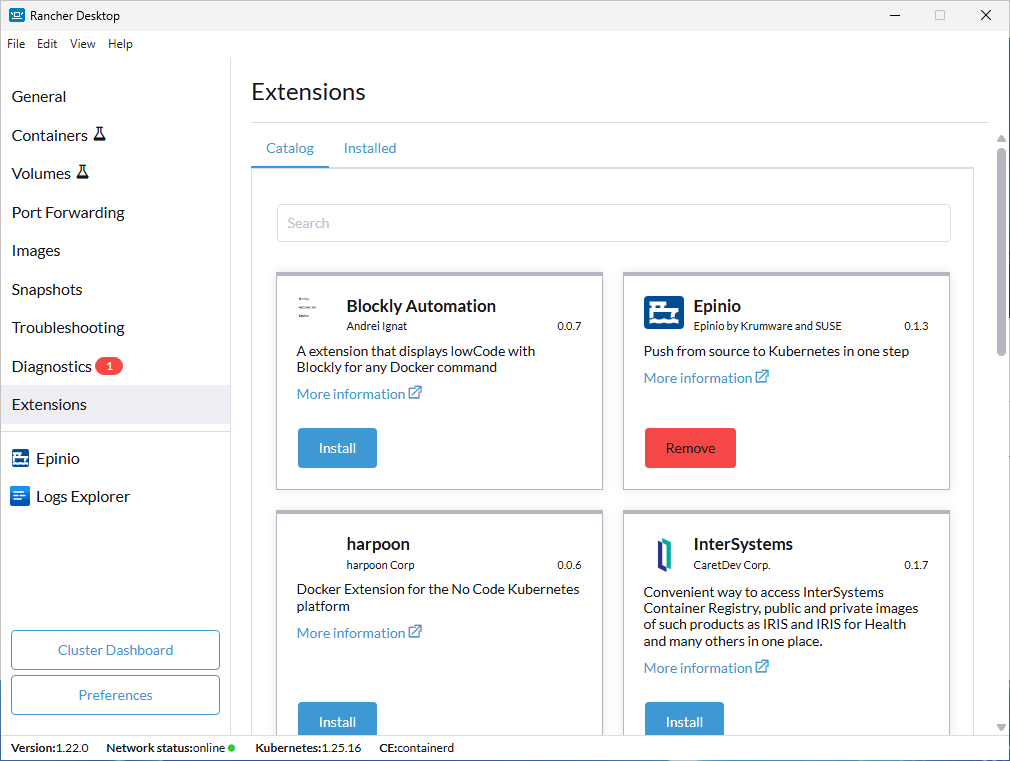
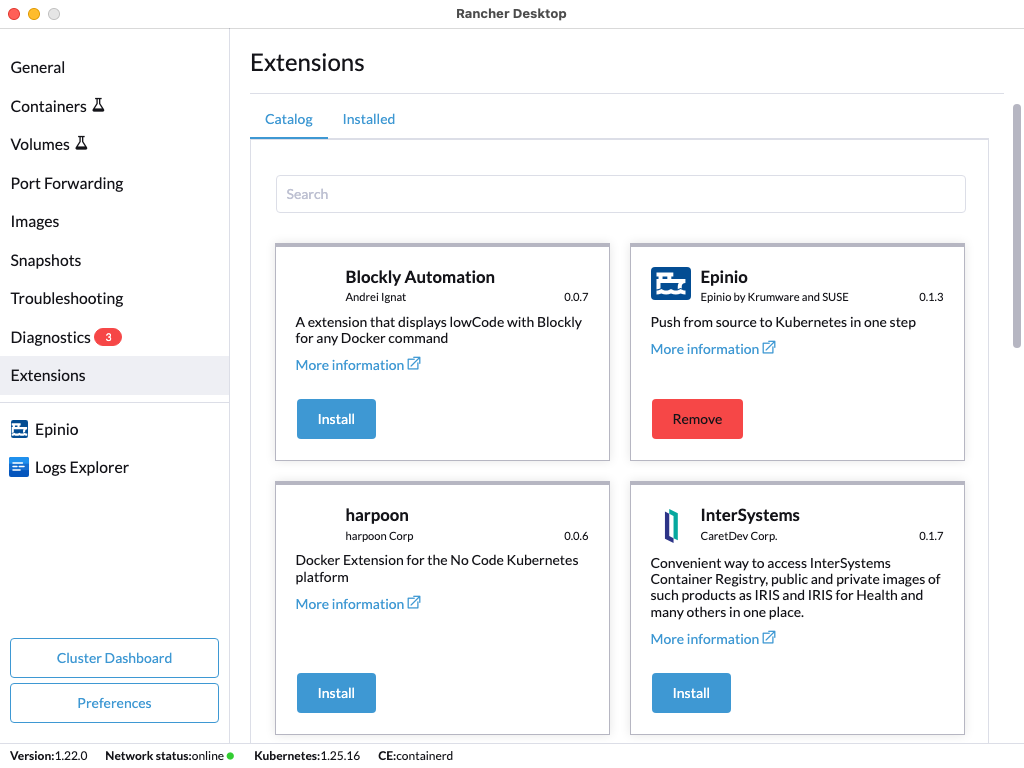
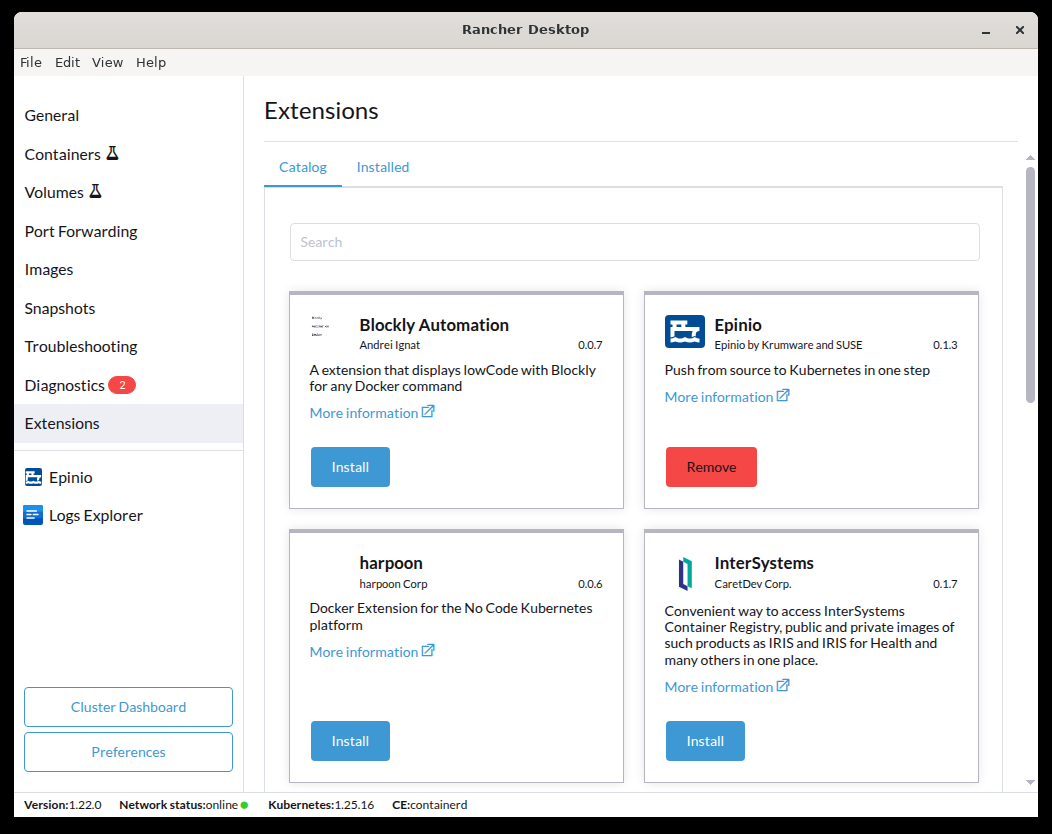
The Catalog tab acts as a marketplace for available Rancher Desktop Extensions. Users can view and click on extensions for further description and the ability to install extensions directly through the UI.
- Windows
- macOS
- Linux
Search
Users can make use of the Search functionality to query through available extensions.
Installed
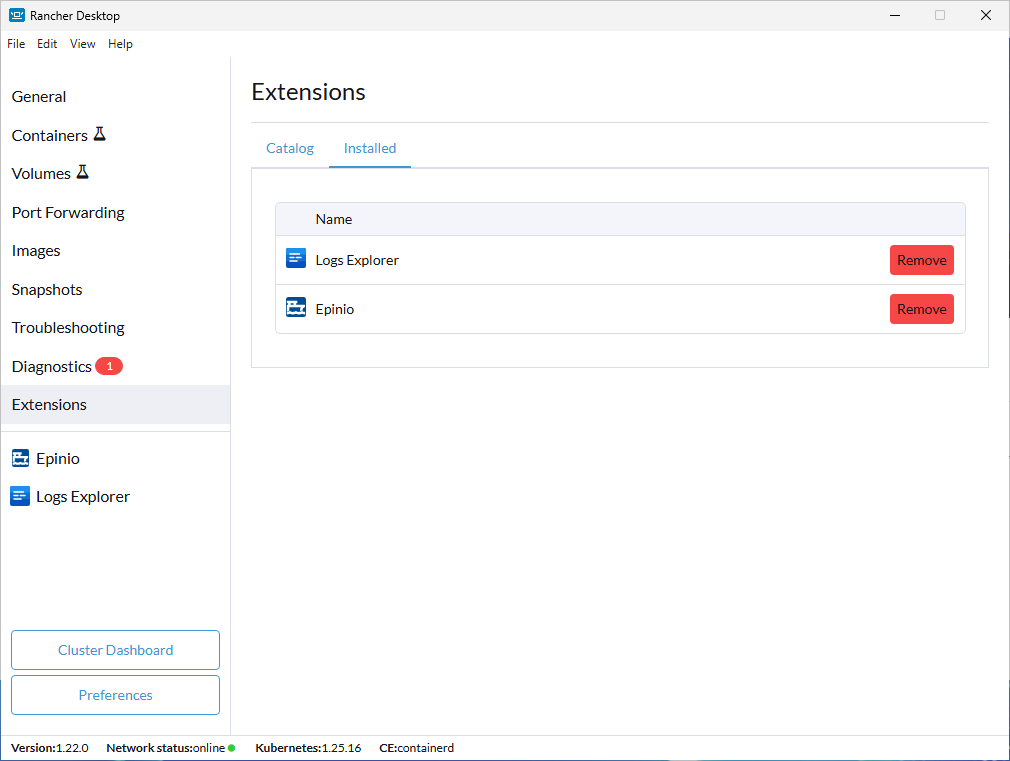
The Installed tab is a view for all installed extensions on your Rancher Desktop application.
- Windows
- macOS
- Linux
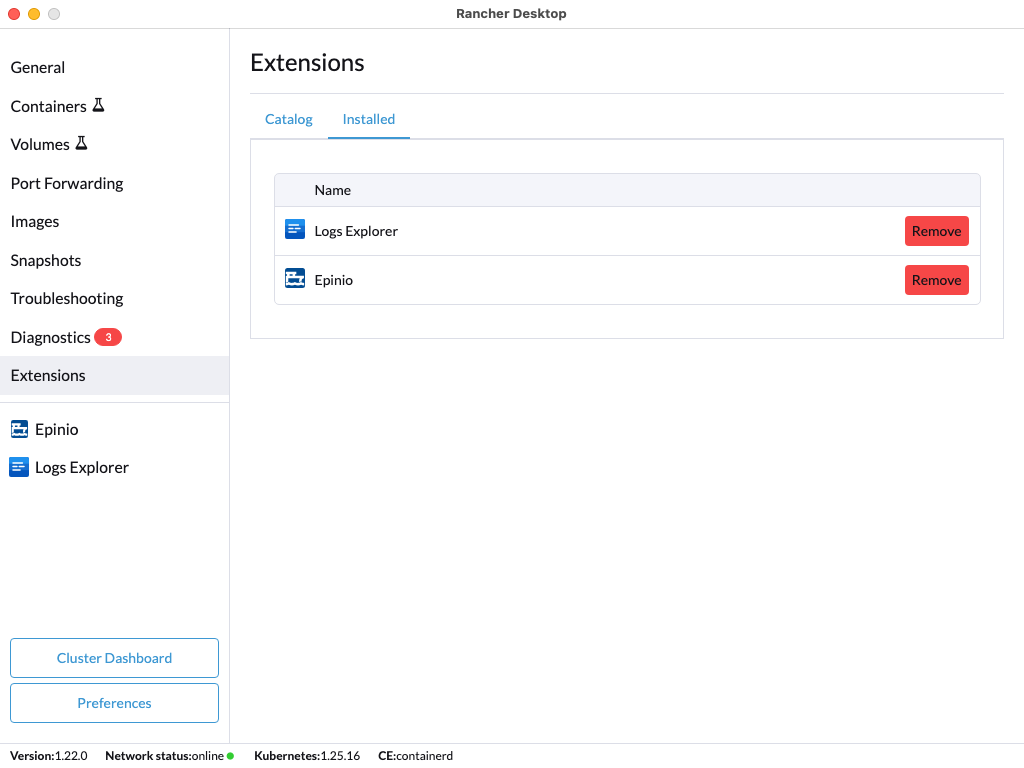

Columns
Each installed extension is listed with details drawn from the extension's image labels:
- Name — the extension's title.
- Vendor — the extension's publisher.
- Description — a short summary of what the extension does.
- More information — a link to the extension's homepage or documentation.
Click the Remove button on the right to uninstall an extension. When a newer version is available, an Upgrade button appears next to it.
Remote Debugging Extensions
The Chrome remote debugger allows you to debug Electron apps using Chrome Developer Tools. This tool can be used to also debug Docker extensions in Rancher Desktop. Please follow these instructions on remote debugging an extension installed in the application.